
CS2 Wallhack Commands 2026: Practice Visibility Safely
CS2 wallhack commands can be useful in private practice sessions when you want to study angles, enemy positions, rotations and utility interactions through map geometry. These built-in visibility tools are intended for controlled training environments, not competitive matches.
This guide explains the current practice commands, how to enable them, what each visibility mode does and how to combine them with bots, grenade training and map-learning exercises.
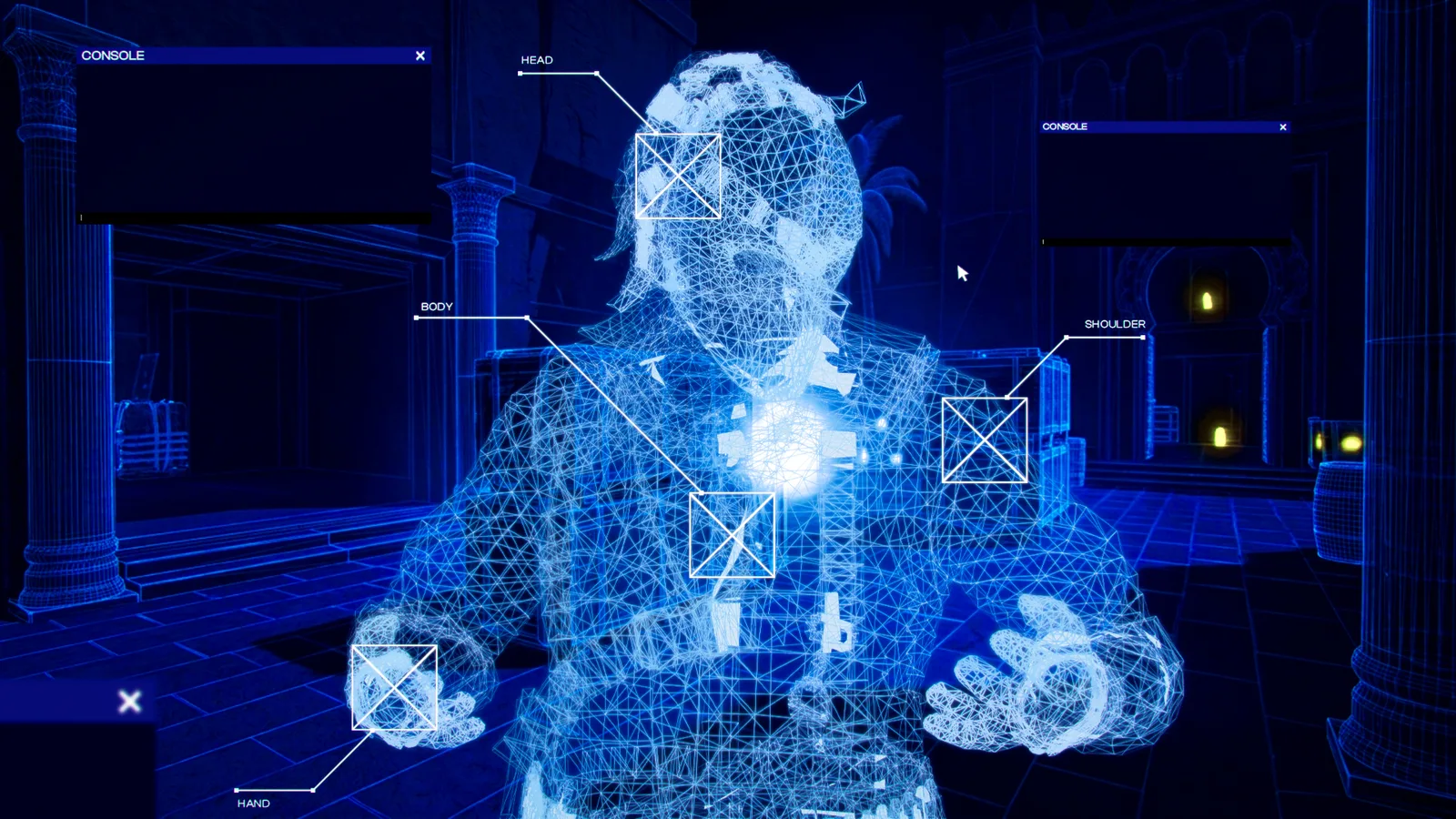
What Does Wallhack Mean in CS2 Practice?
The term wallhack normally describes the ability to see players through walls or other solid map geometry. In competitive play, that usually refers to cheating. A private CS2 training session is different.
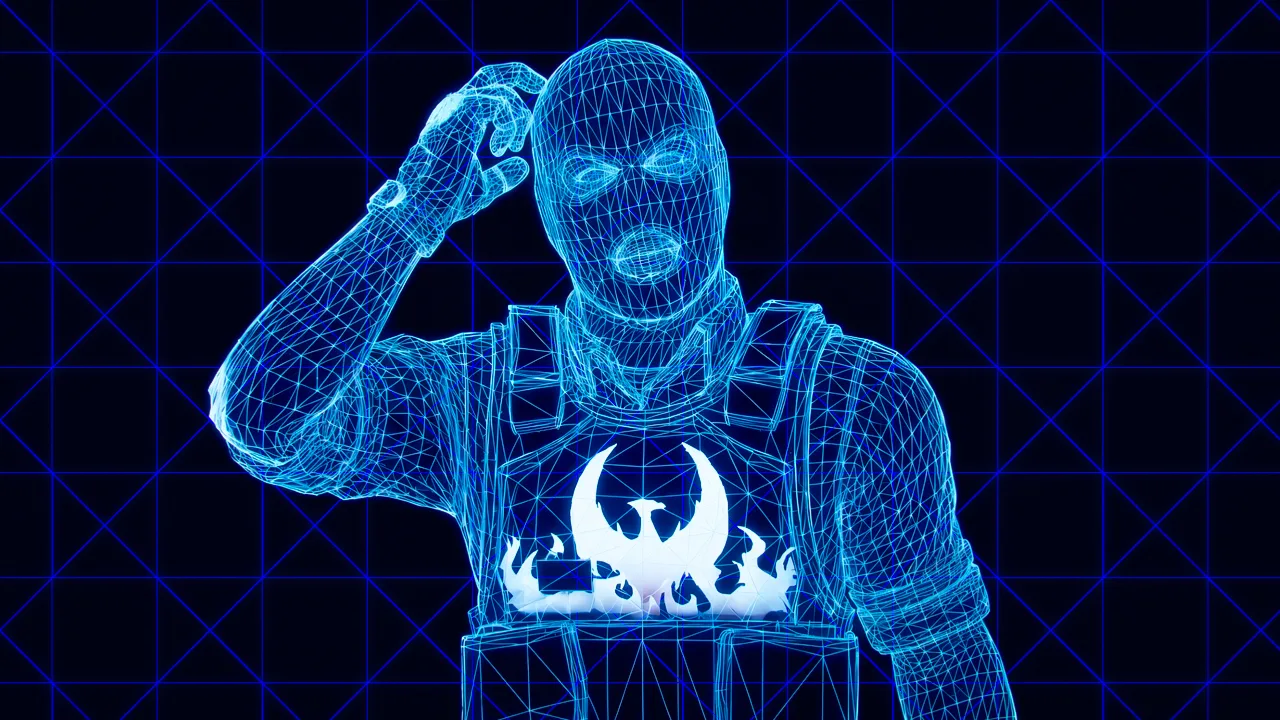
CS2 contains developer and debugging tools that can display player information when protected commands are enabled on a server you control. These tools can help you understand where an opponent model is positioned while testing a peek, crosshair placement, wallbang, smoke or rotation.
See where a player model sits relative to cover before practicing a peek without assistance.
Study positions behind geometry to better understand rotations and common defensive setups.
Check whether flashes, smokes and other utility setups affect the intended location.
CS2 Wallhack Commands for Private Practice
Current CS2 visibility practice relies on debugging and entity commands rather than the older CS:GO model-rendering method. Start a local or private practice session before testing the commands below.
| Command | Purpose |
|---|---|
sv_cheats true |
Enables cheat-protected developer commands in a controlled practice session. |
ent_text PLAYER |
Displays debugging information associated with player entities. |
ent_skeleton PLAYER |
Displays a player skeleton debugging overlay. |
ent_skeleton [NUMBER] |
Can be used to target a specific entity number. |
toggle r_aoproxy_show 0 1 |
Toggles an alternative visibility-style debug display. |
ent_clear_debug_overlays |
Clears active entity debugging overlays. |
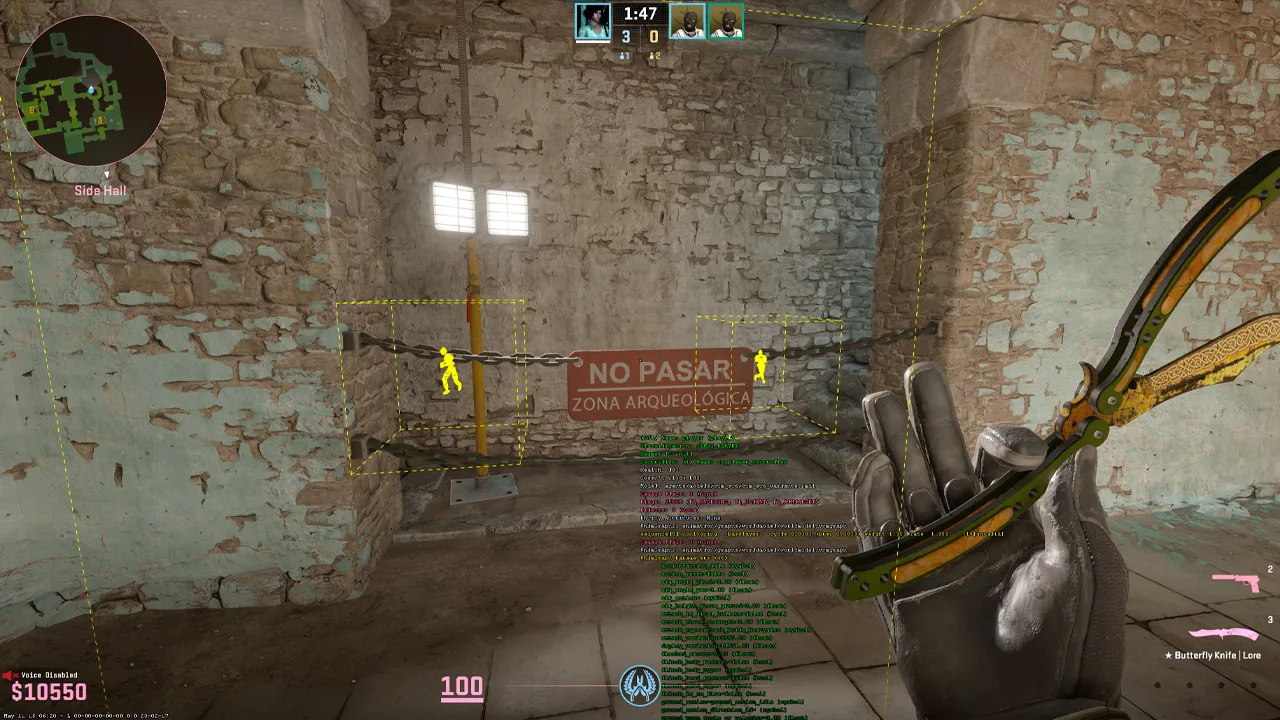
Developer commands can change after game updates. If a command stops responding after a major CS2 update, the underlying debug function may have been changed or removed.
How to Enable CS2 Wallhack Commands
Enable the Developer Console
Open CS2 Settings, go to the Game section and enable the Developer Console. Use your assigned console key to open it while inside your practice session.
Start a Controlled Practice Session
Load a local practice map, private lobby or server where you control the settings. These commands are designed for testing and training.
Enable Protected Commands
Open the console and enter:
sv_cheats true
Choose a Visibility Mode
Use a skeleton overlay when you want to study model position or test the alternative display when you need a more obvious visibility reference.
Skeleton Overlay vs Visibility Highlight
Different debug displays serve different training goals. You do not need to keep them enabled throughout the entire practice session.
Entity Skeleton Overlay
ent_skeleton PLAYER
Useful when you want a cleaner representation of player position and body structure without covering the entire target with a large visual effect.
Useful for:- Crosshair placement
- Angle testing
- Position analysis
- Model alignment
Alternative Debug Display
toggle r_aoproxy_show 0 1
Provides a more obvious visual reference that can make positions behind geometry easier to identify while studying map layouts.
Useful for:- Fast map review
- Rotation analysis
- Cover testing
- Practice demonstrations
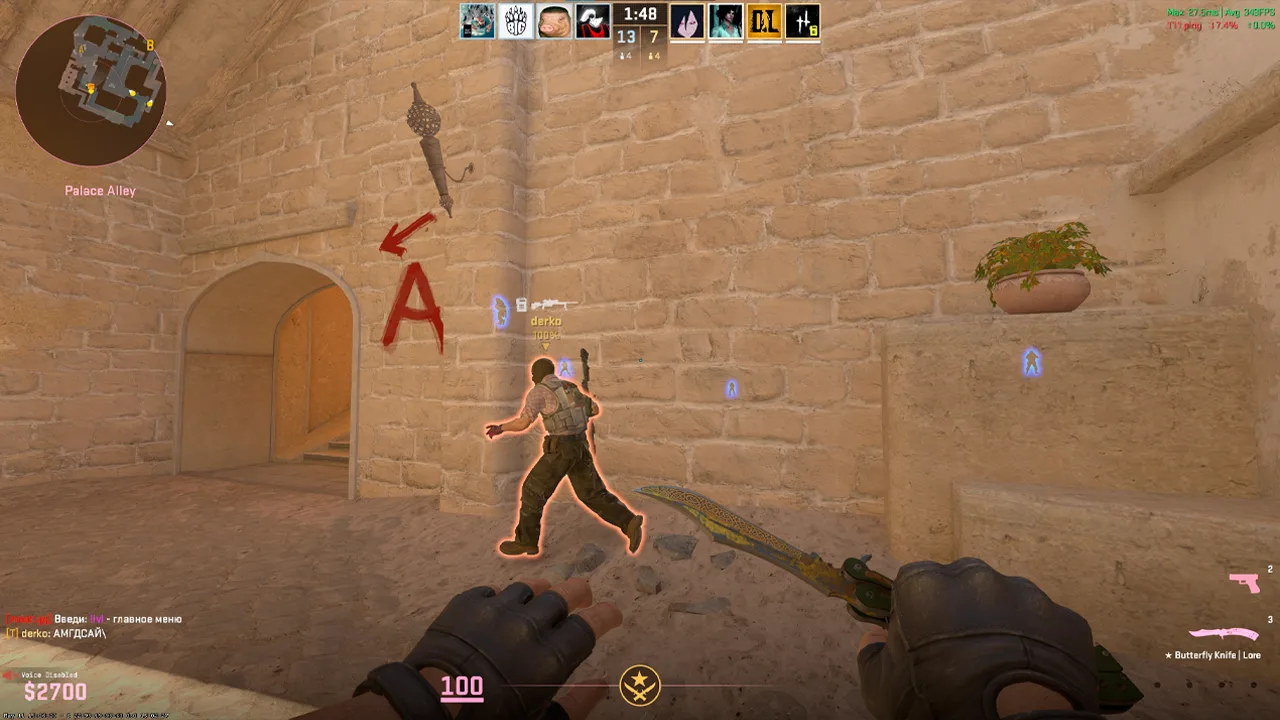
Use ent_clear_debug_overlays or
cl_ent_clear_debug_overlays to clear entity debugging
information. Run toggle r_aoproxy_show 0 1 again to switch
that visibility mode back.
Build a Better CS2 Visibility Practice Session
Simply displaying a target through a wall does not automatically improve your gameplay. The useful part is creating repeatable situations, studying them and then repeating the same exercise without the overlay.
noclip
Move freely around the map to inspect an angle from multiple positions.
bot_add_t
Add a Terrorist bot for controlled position testing.
bot_add_ct
Add a Counter-Terrorist bot when practicing the opposite side.
bot_place
Place a bot around the location targeted by your crosshair.
bot_stop 1
Keep bots stationary while repeating the same angle.
bot_dont_shoot 1
Prevent bots from firing while you focus on positioning.
sv_showimpacts 1
Display bullet impacts when studying sprays or wallbang attempts.
sv_grenade_trajectory_prac_pipreview 1
Display grenade trajectory and landing information during practice.
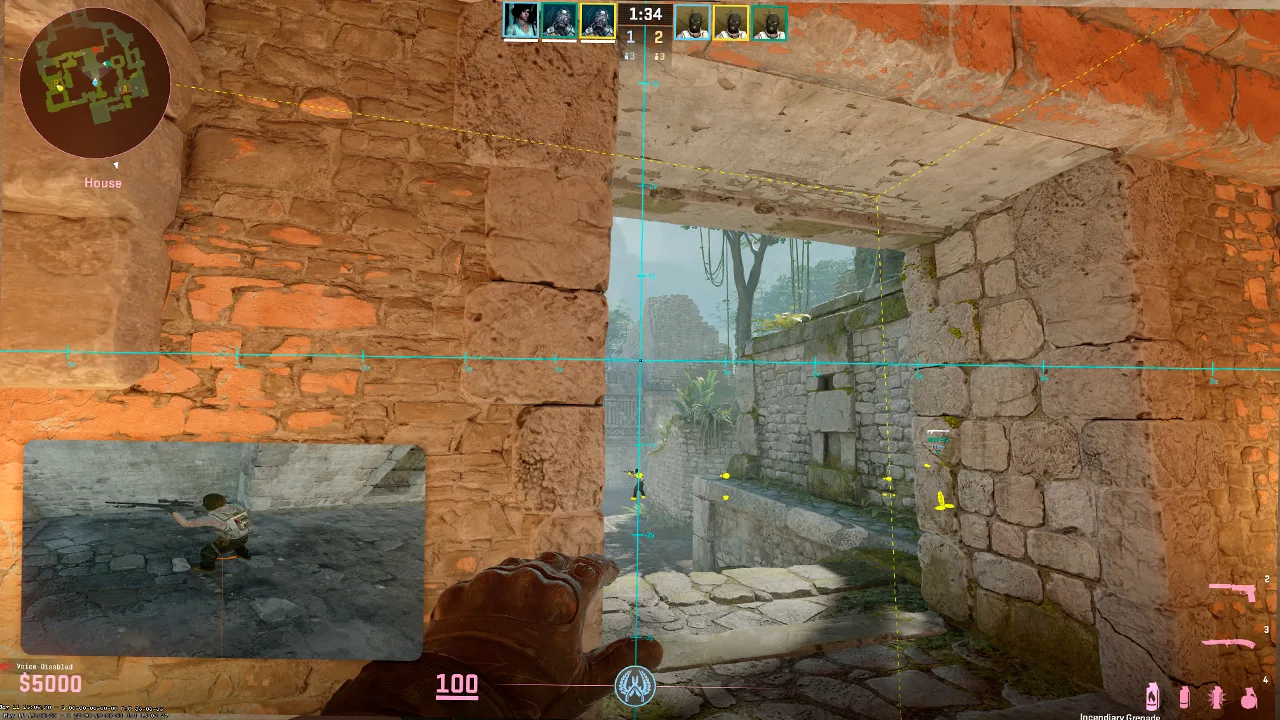
A Better Way to Train One CS2 Angle
Position a bot where an opponent commonly holds an angle.
Enable the visibility overlay and study the position through cover.
Set your crosshair before exposing yourself to the angle.
Disable the overlay and practice the same situation using normal visibility.
The final stage is the most important. Once you understand the likely opponent position, remove the visual assistance and repeat the peek normally. The objective is to improve map knowledge and positioning, not become dependent on a debug overlay.
Maps That Work Well for Visibility Practice
Maps containing layered geometry, elevation changes and several connected routes are especially useful for studying positioning and rotations.
Mirage
Useful areas include Mid, Connector, Palace, Apartments, Short and Underpass.
Nuke
Upper and lower bombsites make vertical positioning especially useful to study.
Inferno
Banana, Apartments, Pit and the bombsites provide many layered crossfire positions.
Ancient
Useful for learning cover relationships, connector routes and wider rotations.
Anubis
Provides several complex approaches, water routes and multi-angle bombsite situations.
Does r_drawothermodels 2 Still Work in CS2?
r_drawothermodels 2
LEGACY CS:GO METHOD
Players coming from CS:GO may remember
r_drawothermodels 2. Older practice guides frequently used
this command to change player-model rendering.
CS2 changed the rendering and debugging environment, which means older CS:GO tutorials should not automatically be treated as current CS2 command references. Modern practice setups use different entity and debugging tools.
Practice Commands Are Not Competitive Wallhacks
Built-in developer commands used inside a controlled training environment are fundamentally different from third-party software designed to provide hidden information during public matches.
- Local training sessions
- Private practice lobbies
- Servers you control
- Angle testing
- Utility practice
- Map-learning exercises
- Third-party wallhack software
- Public matchmaking cheats
- Competitive visibility advantages
- Anti-cheat bypasses
- Unfair play against other players
CS2 Wallhack Commands FAQ
What is the CS2 wallhack command?
In private practice, debugging commands such as
ent_skeleton PLAYER can display player-position information
through map geometry when the server permits protected developer
commands.
How do I enable CS2 wallhack commands for practice?
Enable the developer console, start a local or private training session,
run sv_cheats true and then use the appropriate debugging
or visibility command.
Does r_drawothermodels 2 work in CS2?
It is associated with older CS:GO practice setups and should not be treated as the standard current method for CS2 visibility training.
How do I remove the skeleton overlay?
Commands such as ent_clear_debug_overlays or
cl_ent_clear_debug_overlays can clear debugging overlays.
Restarting the private practice session can also remove remaining debug
displays.
Can these commands be used in normal matchmaking?
Cheat-protected developer commands are intended for controlled sessions where the server allows them. They are not the same as third-party cheating software used to create an unfair advantage in competitive matches.
Why use visibility commands during practice?
They can help visualize enemy positioning, common hiding spots, crosshair placement, rotations, utility effects and wallbang tests before you repeat the same scenario without visual assistance.
Explore More CS2 Guides
Continue learning with our CS2 news and guides or return to CSGONAV for more CS2 content, updates and platform information.